01
Manage a shared 3D library
Upload once and every teammate sees it — cloud-persisted, admin-scoped, with live thumbnails and animation-aware previews.
Hex Loft is a minimal CMS for teams that work with 3D. Upload once, browse a shared library, curate custom lofts, and step inside them on Meta Quest — or share a link that opens on any phone. Air-gap ready, scanner-connected, format-agnostic.
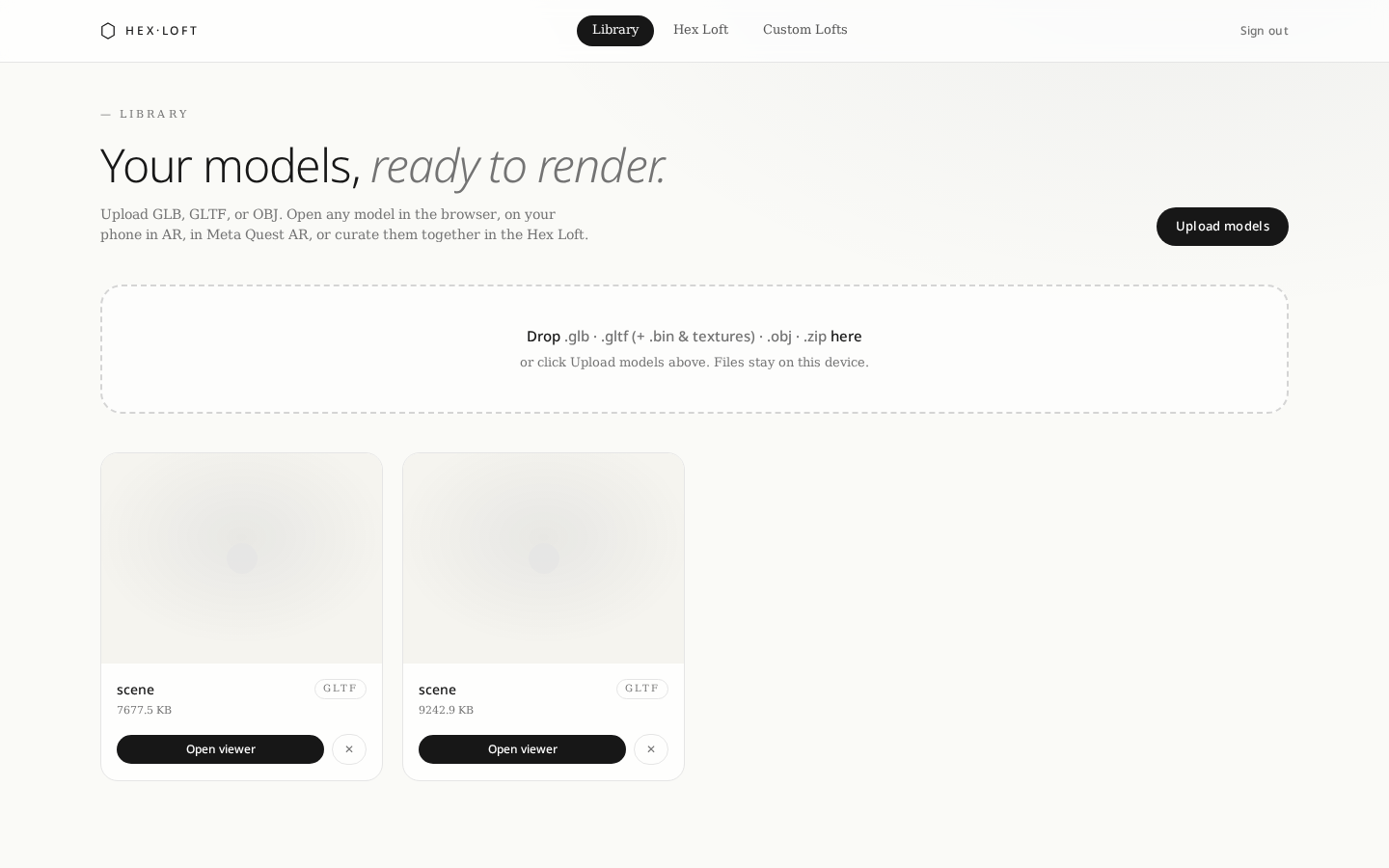
Upload once and every teammate sees it — cloud-persisted, admin-scoped, with live thumbnails and animation-aware previews.
Curate a Hex Loft together. Placements, moods, and spotlights persist so a review picks up exactly where you left it.
Desktop 3D, phone AR through the camera, and full WebXR on Meta Quest — from the same shareable URL.
On Quest, sweep the space and save it as a custom loft. Reload it later, place models, export as GLB.
Pinch-to-grab hand tracking, controller trigger grab, thumbstick walking and turning — all built in.
Self-host on a private network, ingest from an on-prem 3D scanner, keep every asset inside your perimeter.
Drag in .glb, .gltf, .obj, or a Sketchfab .zip. Auto-generated thumbnails, animation-aware playback, and cloud persistence — assets follow the account across laptops, tablets, and headsets.
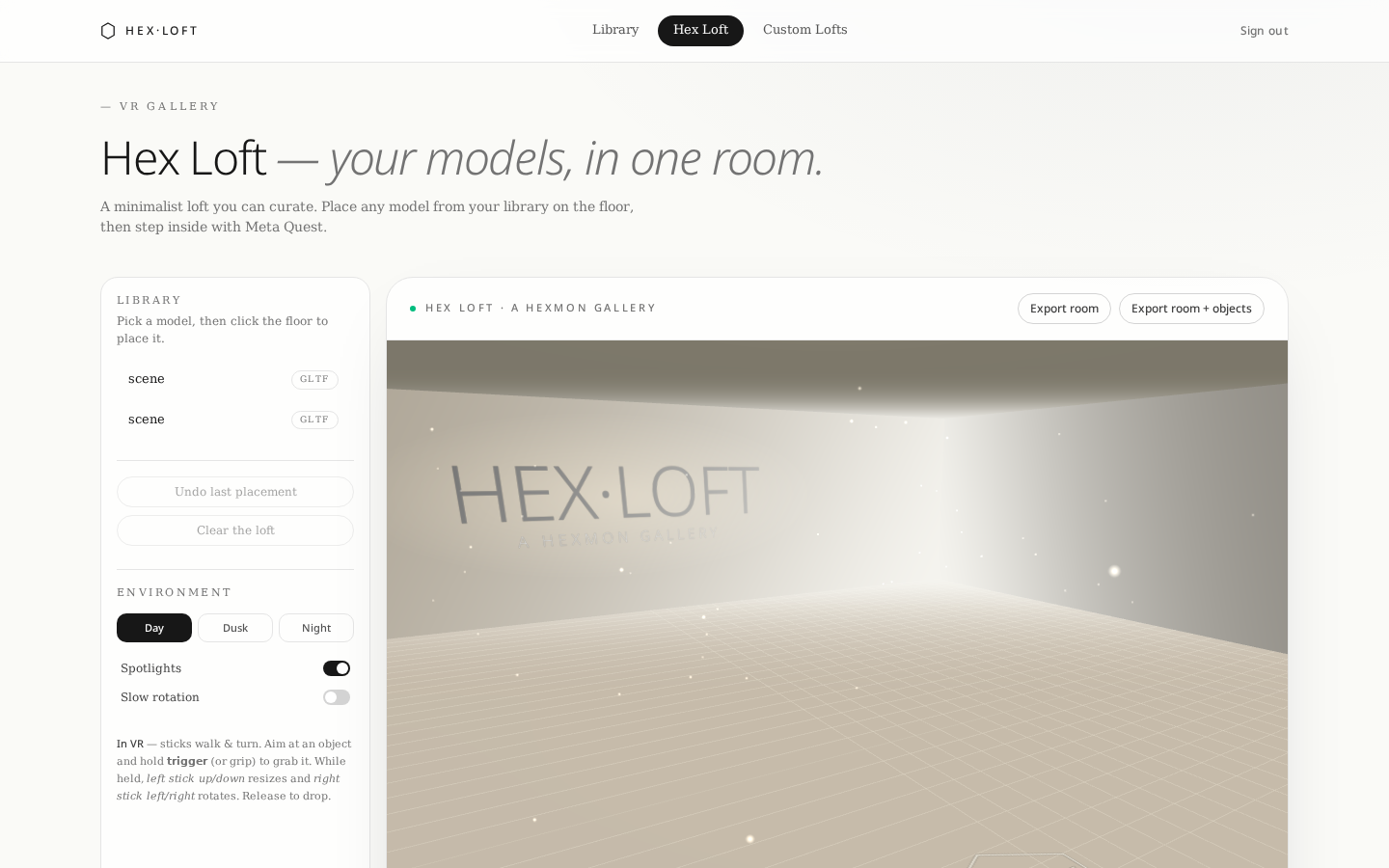
Curate a minimalist Hex Loft with day/dusk/night moods, or scan a real room on Quest and step inside your own space. Place models on the floor, walk through with the controller sticks, grab with hands, resize with a flick of the thumbstick.
Every model has a shareable viewer URL — colleagues open it in a browser, clients open the same link on a phone and step into AR, and reviewers walk through the full loft on Quest. One CMS, three surfaces, no exports.
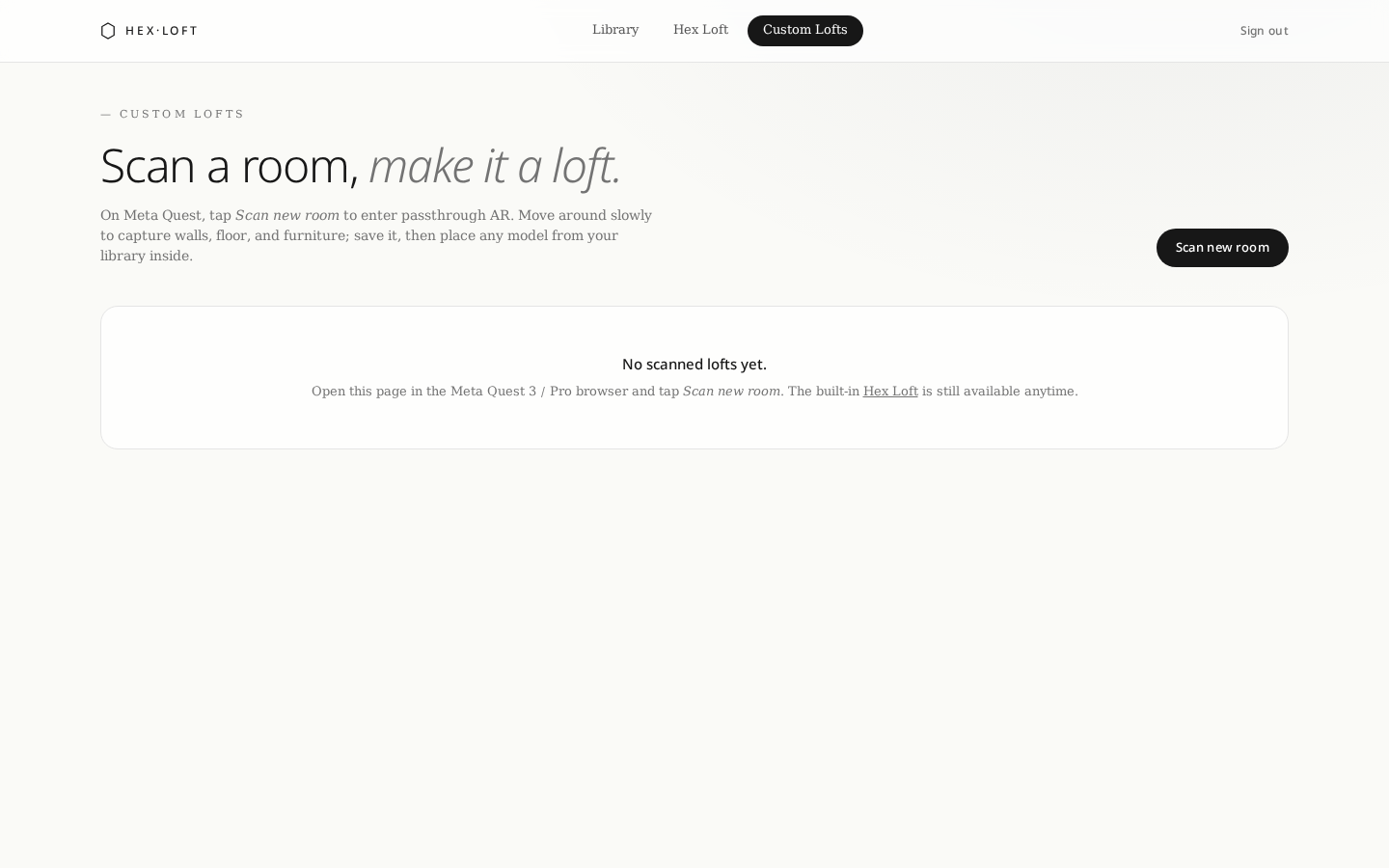
Deploy Hex Loft fully offline on a private network, connect it to your on-prem 3D scanner, and keep every asset inside your perimeter. No third-party CDNs, no telemetry required, no external calls at runtime.
Sign in as admin, drop a model, and open it on your phone or Quest. No installers, no plugins — a tab is all it takes.